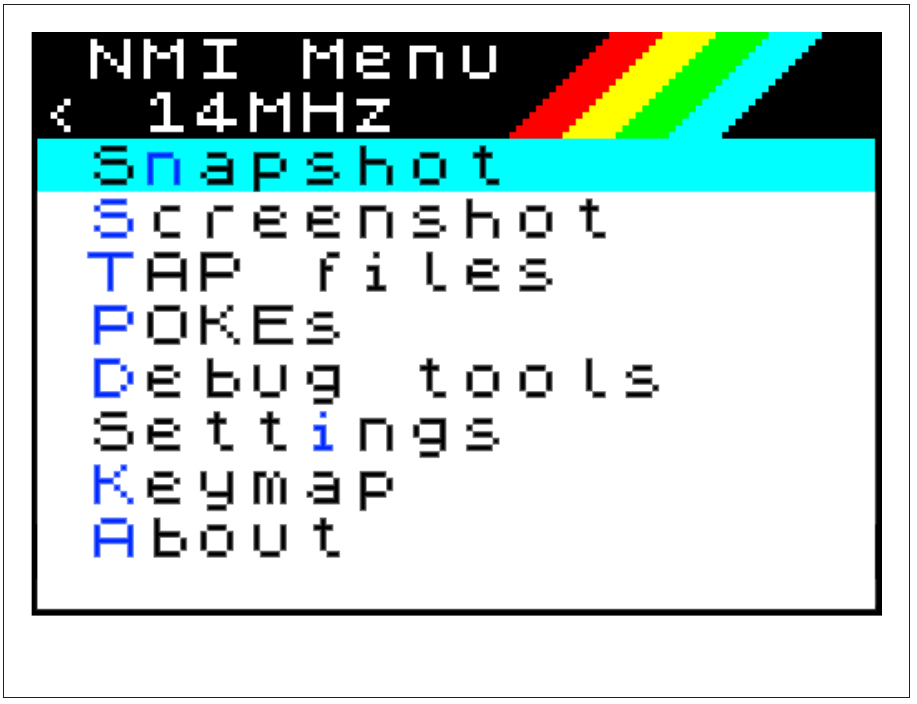
Upon loading, we can see the following entries in the menu:
NMI Menu
< 14MHz
Snapshot
Screenshot
TAP files
POKEs
Debug tools
Settings
Keymap
About
Fig. 23 – NMI main menu
Return – turns off the NMI menu and returns you to whatever you were doing prior to pressing the NMI button.
Snapshot – Produces a snapshot of any legacy software that's currently running. It automatically recognises if it's a 48K type or 128K type of software and adjusts the snapshot type produced accordingly.
Screenshot – Produces a screenshot of whatever is in any of the layers' screen memory areas and prints (to a ZX Printer or compatible) a ULA (Layer 0) screenshot. It also saves and restores the current palettes.
TAP Files – Manages the redirection of input and output to drive t: (tape) to virtual tape files (.tap) as well as browses their contents (In essence a shortcut to .tapein, .tapeout and .lstap we've covered previously).
POKEs – Manages and applies .pok files to running software. These are files containing known workarounds and patches to specific applications – used mostly for games; for infinite lives etc.
Debug tools – Gives access to maybe the most powerful set of features in the entire suite: A Next Register and Z80n Register status browser, a memory map and bank browser, the ability to set breakpoints in memory to intercept running code as well as a banked memory save tool.
Settings
< 14MHz
Joysticks
General
Sound
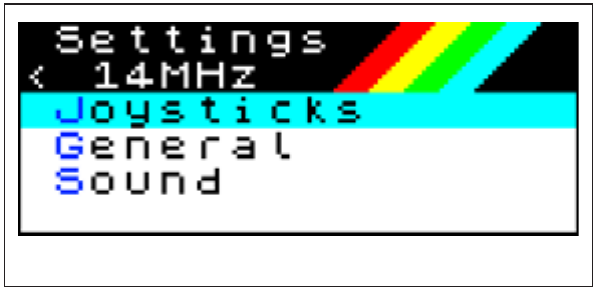
Fig. 24 – NMI Settings
Joystick
< 14MHz
JoyL Kempston1
JoyR Sinclair2
Keyjoy L Setup
Keyjoy R Setup
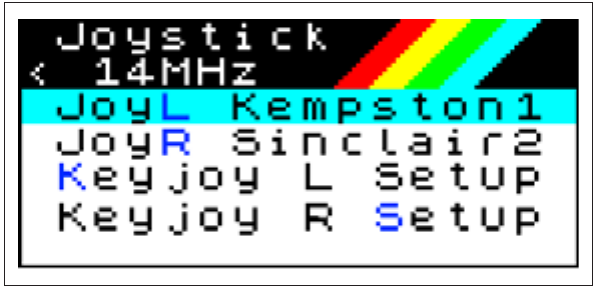
Fig. 25 – NMI Joystick Settings
Sound
< 14MHz
Stereo     ABC
IntSpeaker On
BEEPer     All
HDMI Sound On
TurboSound On
Covox      On
Audiochip  YM
AY0 Mono   Off
AY1 Mono   Off
AY2 Mono   Off
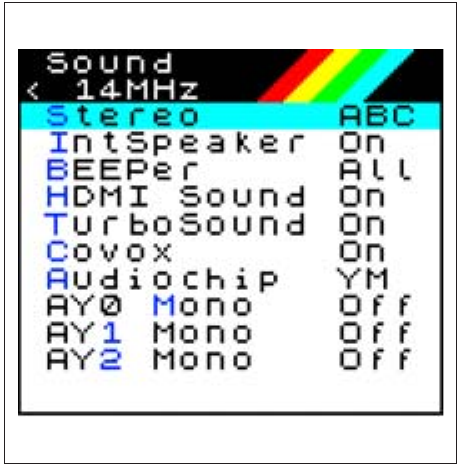
Fig.26 – NMI Sound Settings
Settings – Allows easy modification of hardware settings on-the-fly, from the ones available on the configuration menu to the ones that are more nuanced (like the type of DMA chip in use or the machine timings used in the specific personality) which aren't always available through the standard configuration (Fig. 24 through 27).
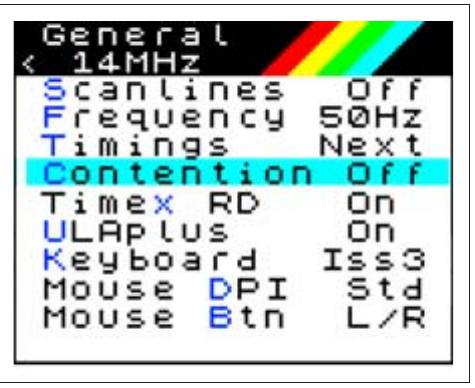
General
< 14MHz
Scanlines  Off
Frequency  50Hz
Timings    Next
Contention Off
Timex RD   On
ULAplus    On
Keyboard   Iss3
Mouse DPI  Std
Mouse Btn  L/R
Fig. 27 - NMI General Settings
Keymap – This is a duplication of the .keyhelp dot command and provides a quick on-screen legend of the keyboard tokens (for the 48K mode) which is particularly useful if using a board-only Next or a PS/2 keyboard.
ZX Spectrum Next User Manual, 3rd Edition (ISBN 978-1-5272-5496-1), written and illustrated by Phoebus R. Dokos. Copyright © 2020-2024 Phoebus Dokos / SpecNext Ltd. Licensed under CC BY-NC-SA 4.0. This is a transcription and can contain errors; check any doubt against the printed page.