10 SPECTRUM PAPER 2: SPECTRUM
   BRIGHT 1: SPECTRUM INK 7
20 ERASE: REM ERASES ALL LINES
Then
SAVE "c:/nextzxos/autoexec.bas" LINE 10
Reset and... magic!
CP/M
The ZX Spectrum Next supports running CP/M Plus (also known as CP/M 3.0), an operating system available for many microcomputers in the late 1970s and early 1980s.
CP/M provides a command-line environment similar to MS-DOS. A huge amount of software was available for it, including programming languages, both interpreted and compiled, word processors (such as the well-known WordStar), spreadsheets, databases, utilities, text-based games and much more.
The ZX Spectrum Next runs CP/M Plus using a specially-written BIOS (Basic Input/Output System) which gives it a 80 x 24 text-based terminal supporting full colour.
To run CP/M, you need to call up the NextZXOS Startup menu, go to the More... submenu and select the CP/M option or from NextBASIC or the Command Line, use the dot command .cpm.
Any software, compatible with CP/M-80, CP/M 2.2, CP/M 3.0 or CP/M Plus will work on the ZX Spectrum Next's flavour of CP/M except CP/M-86 software (which requires an Intel x86 processor) and CP/M-68 software (which requires a Motorola MC68K class processor).
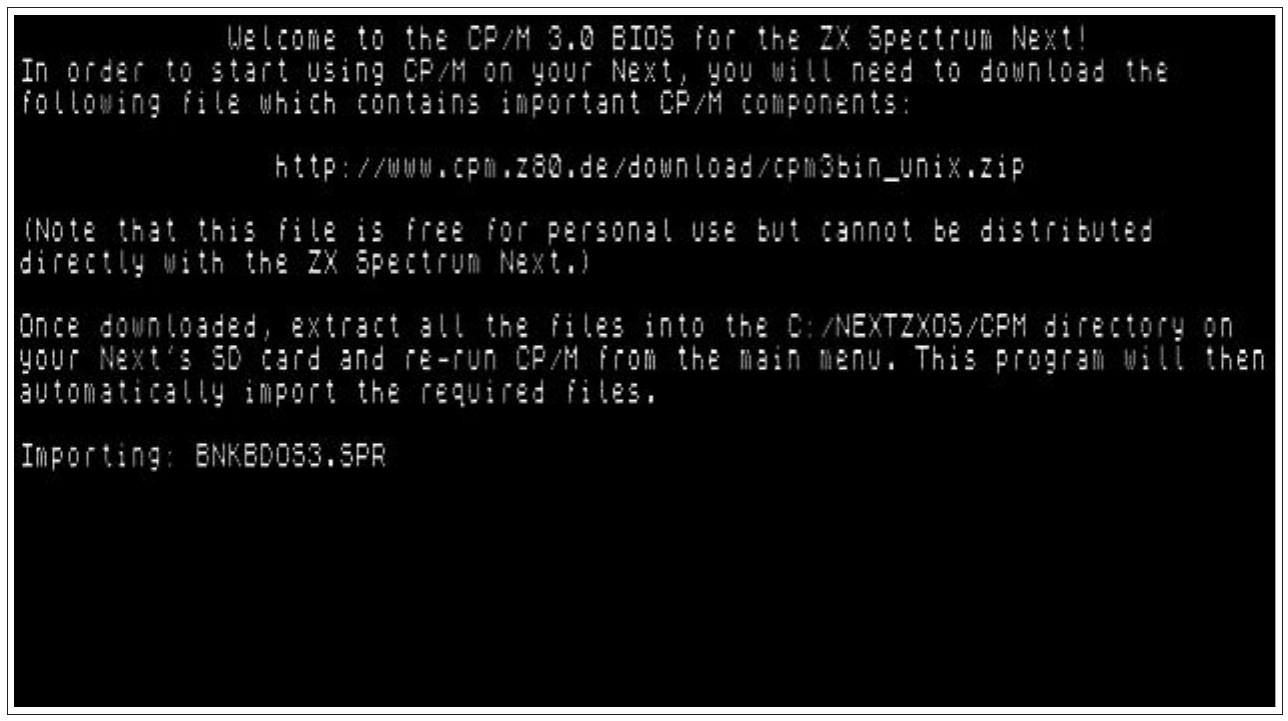
             Welcome to the CP/M 3.0 BIOS for the ZX Spectrum Next!
In order to start using CP/M on your Next, you will need to download the
following file which contains important CP/M components:

                http://www.cpm.z80.de/download/cpm3bin_unix.zip

(Note that this file is free for personal use but cannot be distributed
directly with the ZX Spectrum Next.)

Once downloaded, extract all the files into the C:/NEXTZXOS/CPM directory on
your Next's SD card and re-run CP/M from the main menu. This program will then
automatically import the required files.

Importing: BNKBDOS3.SPR
Fig. 28 – Initial CP/M setup procedure
Please note that CP/M graphical applications requiring GSX cannot be used at the moment, although support for these is under consideration. This is not affecting software availability considerably, as there is very little software requiring GSX; most CP/M software was text-based.
Getting started
Before you can use CP/M, NextZXOS will need to prepare it. This is a process that happens automatically just once. You will need to access your NextZXOS Startup Menu, then from the More... option, select the CP/M submenu. NextZXOS will start working on its own and once it finishes, it will exit back to NextZXOS. From then on, every time you choose the
ZX Spectrum Next User Manual, 3rd Edition (ISBN 978-1-5272-5496-1), written and illustrated by Phoebus R. Dokos. Copyright © 2020-2024 Phoebus Dokos / SpecNext Ltd. Licensed under CC BY-NC-SA 4.0. This is a transcription and can contain errors; check any doubt against the printed page.