- Go to www.esxdos.org and download either the latest version or the one whose rom comes with the System/Next distribution. For correct operation, the minimum supported version is 0.8.6 beta 4
- Using a PC, Mac or Linux machine, unzip the contents of the esxDOS distribution onto a drive, connect the System/Next™ SD card onto the same computer and then do the following:
- Copy the BIN, SYS and TMP folders into the System/Next™ distribution's root folder
- Copy the ESXMMC.BIN file from the esxDOS root to c:/machines/next/
- Finally, edit the config.ini file in c:/machines/next/ to include esxDOS with the personality you choose (Note that this doesn't apply to Next Native mode)
Here is an example that will modify config.ini to use esxDOS with the 128K personality (note that esxDOS will boot any 128K personality in what is called USR0 mode; a special mode where the editor is 48K but all the 128K features are available). After you download the esxDOS distribution archive from the esxDOS site, unpack it and follow the instructions above. Then go to c:/machines/next/ and using any text editor (for example Notepad under Windows) open config.ini. Locate the line reading:
menu=ZX Spectrum 128k,1,8,128.rom
and modify it as follows:
menu=ZX Spectrum 128k,1,8,128.rom, esxmmc.bin,<none>
Also, if you have an RTC chip installed, go to c:/nextzxos/ and copy RTC.SYS to c:/sys/. Save it, eject the SD card and transfer it to your ZX Spectrum Next. Upon boot, press SPACE and then using the cursor keys, locate the ZX Spectrum 128k line. Press ENTER and in a few seconds you'll see something like this:
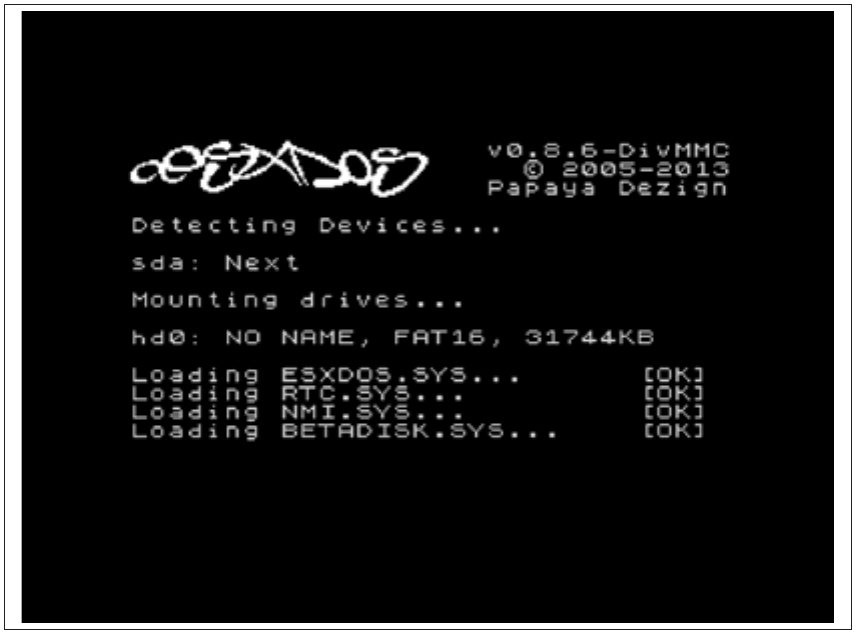
esxDOS             v0.8.6-DivMMC
                     © 2005-2013
                   Papaya Dezign

Detecting Devices...

sda: Next

Mounting drives...

hd0: NO NAME, FAT16, 31744KB

Loading ESXDOS.SYS...      [OK]
Loading RTC.SYS...         [OK]
Loading NMI.SYS...         [OK]
Loading BETADISK.SYS...    [OK]
Fig. 32 – ZX Spectrum Next running esxDOS 0.8.6
That was it, you now have a functioning esxDOS installation for your 128K personality on your ZX Spectrum Next computer and the green Drive button on the left side of your computer will start functioning calling the esxDOS browser.
ZX Spectrum Next User Manual, 3rd Edition (ISBN 978-1-5272-5496-1), written and illustrated by Phoebus R. Dokos. Copyright © 2020-2024 Phoebus Dokos / SpecNext Ltd. Licensed under CC BY-NC-SA 4.0. This is a transcription and can contain errors; check any doubt against the printed page.