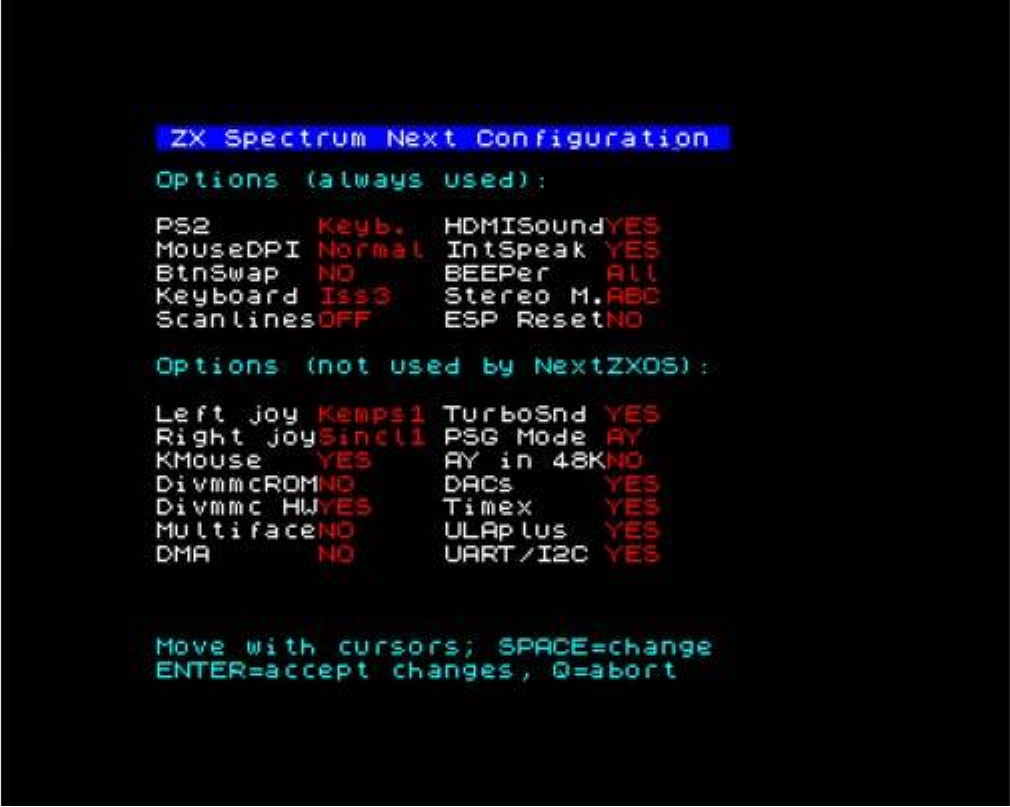
a personality and pressing E will allow you to configure the specific personality further. Doing so will present you with another screen:
 ZX Spectrum Next Configuration

Options (always used):

PS2      Keyb.  HDMISoundYES
MouseDPI Normal IntSpeak YES
BtnSwap  NO     BEEPer   All
Keyboard Iss3   Stereo M.ABC
ScanlinesOFF    ESP ResetNO

Options (not used by NextZXOS):

Left joy Kemps1 TurboSnd YES
Right joySincl1 PSG Mode AY
KMouse   YES    AY in 48KNO
DivmmcROMNO     DACs     YES
Divmmc HWYES    Timex    YES
MultifaceNO     ULAplus  YES
DMA      NO     UART/I2C YES

Move with cursors; SPACE=change
ENTER=accept changes, Q=abort
Fig. 53 – Configuration Options Screen
Note that the screen is broken down into two parts, the top options are always used by NextZXOS while the options in the bottom part are ignored by NextZXOS that does its own enabling and disables/enables hardware configurations according to its needs.
There are a total of 15 personalities available and a few more may become available in a future update pending on core changes, two of which are Native Next modes; one with the standard 48K ROM and one with the Looking Glass 48K ROM which has the distinctive advantage of normal typing instead of tokenised entry. For Next Mode usage however both these are functionally equivalent and both provide access to dot commands in 48K mode.
The Pentagon 128K and TC2048 ones are the most idiosyncratic ones; the first operating only on 50Hz mode and was included to allow access to former Eastern-block countries' specially timed Spectrum Software and the TC2048 being the Timex Portugal partially Spectrum Compatible machine.
An important thing to remember is that for compatibility reasons the expansion bus is by default off; this doesn't mean you can plug in interfaces while the machine is working but that you will not have access to external peripherals unless you explicitly allow it via a series of OUT commands. This is to facilitate the usage of the onboard peripherals and the extra speed afforded by the Next's enhanced Z80n processor. All Next features are available in every mode unless you explicitly turn them off (so for example you need to turn off Timex modes via Configuration as above, if you don't want them) and you must install esxDOS yourselves (see relevant section in Chapter 19 on how to do that) in order to access the onboard divMMC. Remember that the usage of external peripherals will slow down the machine personality to the 3.5MHz speed and only the onboard peripherals support the higher speeds. If you study Chapter 23 and you know the specific ports your hardware uses, you can enable it yourself with a few easy command sequences.
Standard Sinclair BASIC lacks the REG command, so as seen in Chapter 22 you will have to issue a series of OUT commands to enable external peripherals. For example to enable a ZX Printer (or Alphacom 32 or Timex Sinclair 2040) you will need to give:
OUT 9275, 136: OUT 9531, 219:
OUT 9275,128:OUT 9531,128
which disables the DACs on port FBh and immediately turns on the Expansion Bus. (You should however disable it afterwards so you can speed the machine up again).
ZX Spectrum Next User Manual, 3rd Edition (ISBN 978-1-5272-5496-1), written and illustrated by Phoebus R. Dokos. Copyright © 2020-2024 Phoebus Dokos / SpecNext Ltd. Licensed under CC BY-NC-SA 4.0. This is a transcription and can contain errors; check any doubt against the printed page.