| Command | Description |
|---|---|
| COLOURS | Changes the colour scheme |
| TERMSIZE | Changes the default terminal size (up to 80 x 32) |
| IMPORT | Imports files from your NextZXOS c: drive (or other FAT drives seen in the NextZXOS browser) |
| EXPORT | Exports files to your NextZXOS c: drive (or other) |
| ECHO | Sends text or escape sequences to the terminal |
| NEXTREG | Views or changes ZX Spectrum Next hardware registers (use at your own risk!) |
Typing the name of these commands will give some more information on how to use them.
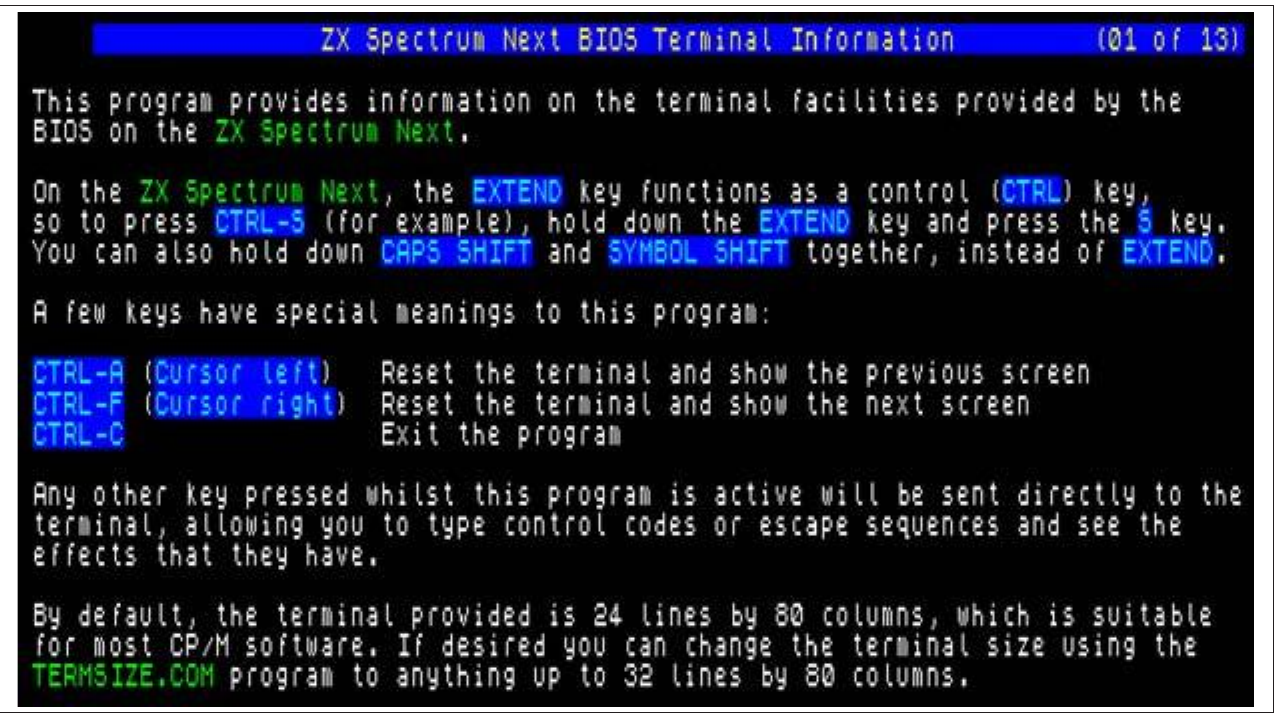
                   ZX Spectrum Next BIOS Terminal Information         (01 of 13)

This program provides information on the terminal facilities provided by the
BIOS on the ZX Spectrum Next.

On the ZX Spectrum Next, the EXTEND key functions as a control (CTRL) key,
so to press CTRL-S (for example), hold down the EXTEND key and press the S key.
You can also hold down CAPS SHIFT and SYMBOL SHIFT together, instead of EXTEND.

A few keys have special meanings to this program:

CTRL-A (Cursor left)   Reset the terminal and show the previous screen
CTRL-F (Cursor right)  Reset the terminal and show the next screen
CTRL-C                 Exit the program

Any other key pressed whilst this program is active will be sent directly to the
terminal, allowing you to type control codes or escape sequences and see the
effects that they have.

By default, the terminal provided is 24 lines by 80 columns, which is suitable
for most CP/M software. If desired you can change the terminal size using the
TERMSIZE.COM program to anything up to 32 lines by 80 columns.
Fig. 30 – TERMINFO output
Drives and CP/M
CP/M on the ZX Spectrum Next cannot access the standard SD card drive c: (or other drives you may have due to having additional SD cards inserted, for example). This is because CP/M directly accesses disks at a low level, and is incompatible with FAT filesystems.
Therefore, on the ZX Spectrum Next, CP/M uses virtual disk files. These can either be .p3d files (created by the .mkdata dot command) or .dsk files (images of standard ZX Spectrum +3 disks).
You can access multiple disk images at once in CP/M. To do this, simply create additional files with .mkdata using the same naming scheme. eg. at the NextZXOS command line, type the following:
.mkdata "/nextzxos/cpm-b.p3d"
.mkdata "/nextzxos/cpm-e.p3d"
When you next use CP/M, you will have drives A:, B: and E: available. Note that you can have a drive C: in CP/M if you wish, but this is not the same as the c: drive used in NextZXOS.
Up to 15 virtual disk images can be used at once by CP/M, and they can be mapped to any drive A to P, simply by naming the files in any of these ways:
c:/nextzxos/cpm-X.p3d
c:/nextzxos/drv-X.p3d
c:/nextzxos/cpm-X.dsk
c:/nextzxos/drv-X.dsk
ZX Spectrum Next User Manual, 3rd Edition (ISBN 978-1-5272-5496-1), written and illustrated by Phoebus R. Dokos. Copyright © 2020-2024 Phoebus Dokos / SpecNext Ltd. Licensed under CC BY-NC-SA 4.0. This is a transcription and can contain errors; check any doubt against the printed page.