A. Testing the memory
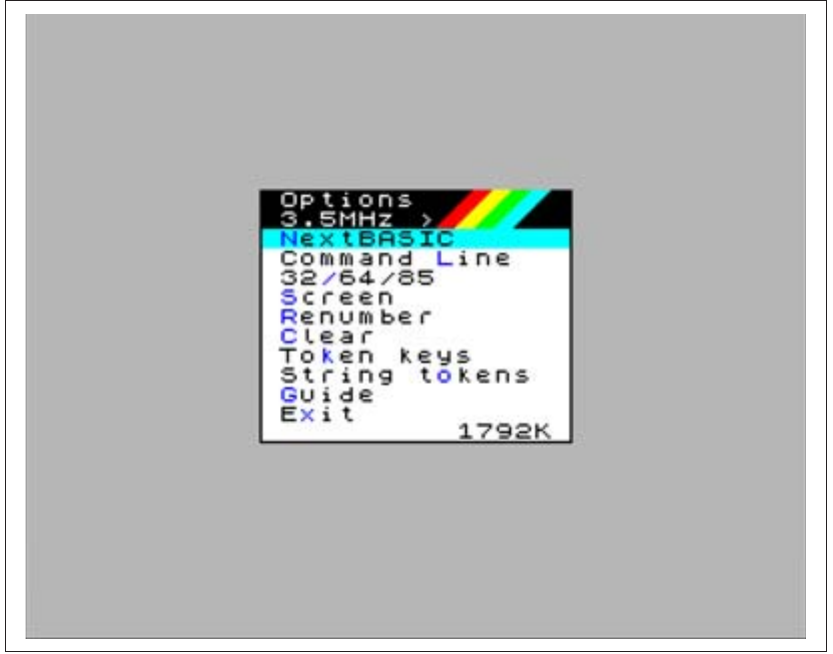
This is by far the simplest test; if your memory installation worked, your NextZXOS Startup menu will report 1792K instead of the 768K it reported up until now (see Fig. 37).
Options
3.5MHz  >
NextBASIC
Command Line
32/64/85
Screen
Renumber
Clear
Token keys
String tokens
Guide
Exit                1792K
Fig. 37 – NextZXOS Options menu showing 2MB
To further verify that the memory was properly installed, there's a program called 2MBTEST (v0.4c).nex located under c:/extras/memtest in your System/Next™ distribution.
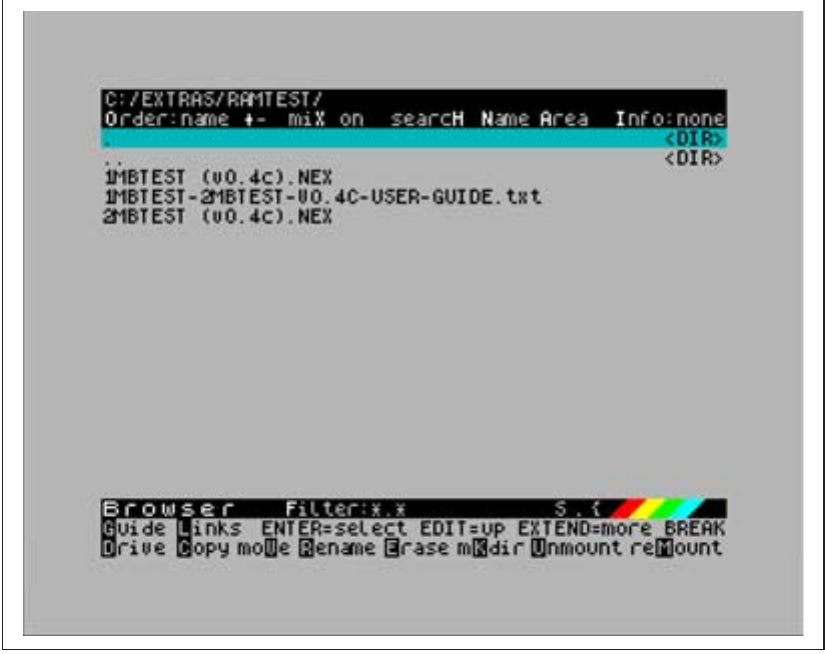
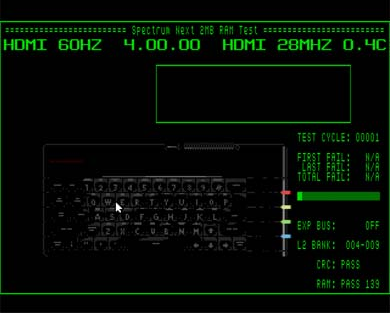
Execute it with the browser or by using the .nexload dot command and let it go through all your memory testing it's working properly (see Fig. 38 and 39).
C:/EXTRAS/RAMTEST/
Order:name +-  miX on  searcH Name Area  Info:none
.                                                  <DIR>
..                                                 <DIR>
1MBTEST (v0.4c).NEX
1MBTEST-2MBTEST-U0.4C-USER-GUIDE.txt
2MBTEST (v0.4c).NEX


Browser    Filter:*.*                        S.[?]
Guide Links  ENTER=select EDIT=up EXTEND=more BREAK
Drive Copy moVe Rename Erase mKdir Unmount reMount
Fig. 38 – Using the browser to launch 2MBTEST
==================== Spectrum Next 2MB RAM Test ====================
HDMI 60HZ   4.00.00   HDMI 28MHZ 0.4C


                                            TEST CYCLE: 00001

                                            FIRST FAIL:  N/A
                                             LAST FAIL:  N/A
                                            TOTAL FAIL:  N/A

                                            EXP BUS:      OFF
                                            L2 BANK:  004-009

                                            CRC: PASS

                                            RAM: PASS 139
Fig. 39 – 2MBTEST running without faults so far
In case that something went wrong, your memory chips are either defective or you didn't install them properly. Make sure your memory chips are properly seated in their sockets by a. checking the space is left as in Fig. 34 and b. pressing them firmly in their socket until you hear a subtle "click" sound. If the memory test still fails, your memory chips are probably defective.
B. Testing the WiFi
Testing the WiFi feature is a very simple procedure. You only need to use NextZXOS Startup Menu, go under Tools and then select WIFI setup.
As seen in the figures below, you only have to select option 5 (Scan Networks) and once your network is found, you enter the password and that was all!
In case this does not work and you have still questions whether or if your WIFI module is really problematic, you can use the .uart dot command from your System/Next™ distribution.
ZX Spectrum Next User Manual, 3rd Edition (ISBN 978-1-5272-5496-1), written and illustrated by Phoebus R. Dokos. Copyright © 2020-2024 Phoebus Dokos / SpecNext Ltd. Licensed under CC BY-NC-SA 4.0. This is a transcription and can contain errors; check any doubt against the printed page.