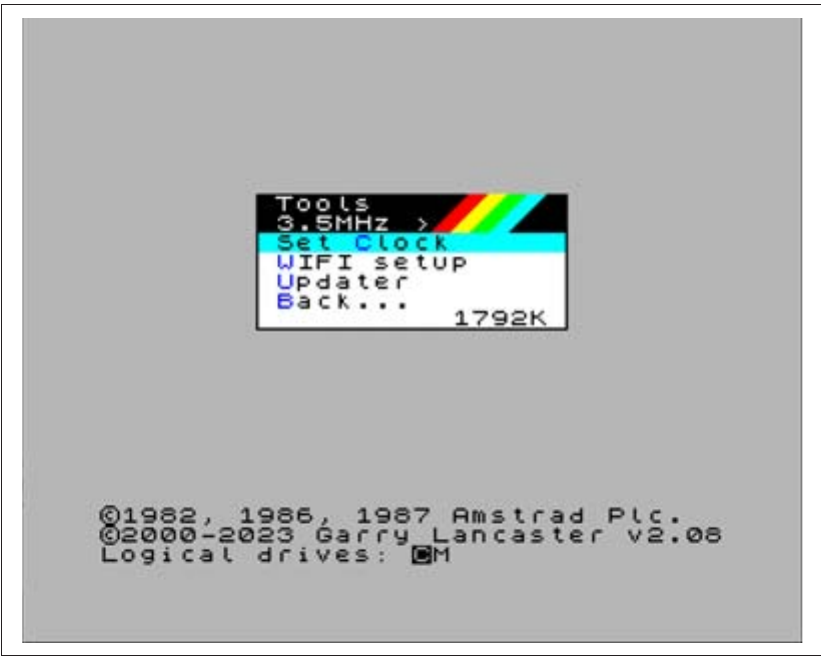
Tools
3.5MHz  >
Set Clock
WIFI setup
Updater
Back...             1792K


©1982, 1986, 1987 Amstrad Plc.
©2000-2023 Garry Lancaster v2.08
Logical drives: CM
Fig. 40 – NextZXOS Tools submenu
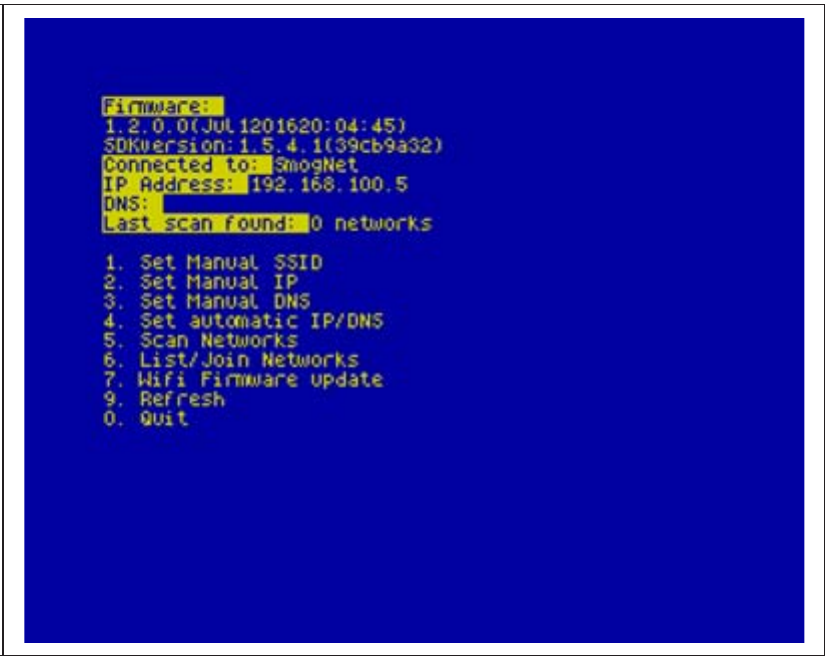
Firmware:
1.2.0.0(Jul 1201620:04:45)
SDKversion:1.5.4.1(39cb9a32)
Connected to: SmogNet
IP Address: 192.168.100.5
DNS:
Last scan found: 0 networks

1. Set Manual SSID
2. Set Manual IP
3. Set Manual DNS
4. Set automatic IP/DNS
5. Scan Networks
6. List/Join Networks
7. Wifi Firmware update
9. Refresh
0. Quit
Fig. 41 – WIFI setup program
.uart is not very complicated but it's quite temperamental especially if you use a PS/2 keyboard. You will need to use the standard ZX Spectrum keys; CAPS SHIFT + 0 for DELETE, SYMBOL SHIFT + K for +, SYMBOL SHIFT + C for ?, SYMBOL SHIFT + P for ", SYMBOL SHIFT + N for , and SYMBOL SHIFT + L for =.
You run it by issuing a:
.uart
you will be greeted by a screen full of information that will end in an L cursor. To test type the following:
AT
and press ENTER
If you're good so far, the ESP will be responding with:
OK
That's a very good sign. That means serial communications have been established. To see however if the ESP is actually working you'll need to issue a few more commands. Type:
AT+CWMODE?
the ESP there should respond with a 1, 2 or 3 (this is the mode that's its working at; being 1 for Station, 2 for Access Point and 3 for both). Normally this should be enough to verify your ESP is working but if you want to take it one step further, you should set the ESP to station mode by giving:
AT+CWMODE=1
then check for what Access Points are around by doing:
AT+CWLAP
before finally connecting to one by giving the command:
AT+CWJAP="SSID","YourPass"
where SSID is the name of your network and YourPass is your WiFi password. The ESP will retain these so you can do if you want:
AT+RST
ZX Spectrum Next User Manual, 3rd Edition (ISBN 978-1-5272-5496-1), written and illustrated by Phoebus R. Dokos. Copyright © 2020-2024 Phoebus Dokos / SpecNext Ltd. Licensed under CC BY-NC-SA 4.0. This is a transcription and can contain errors; check any doubt against the printed page.